
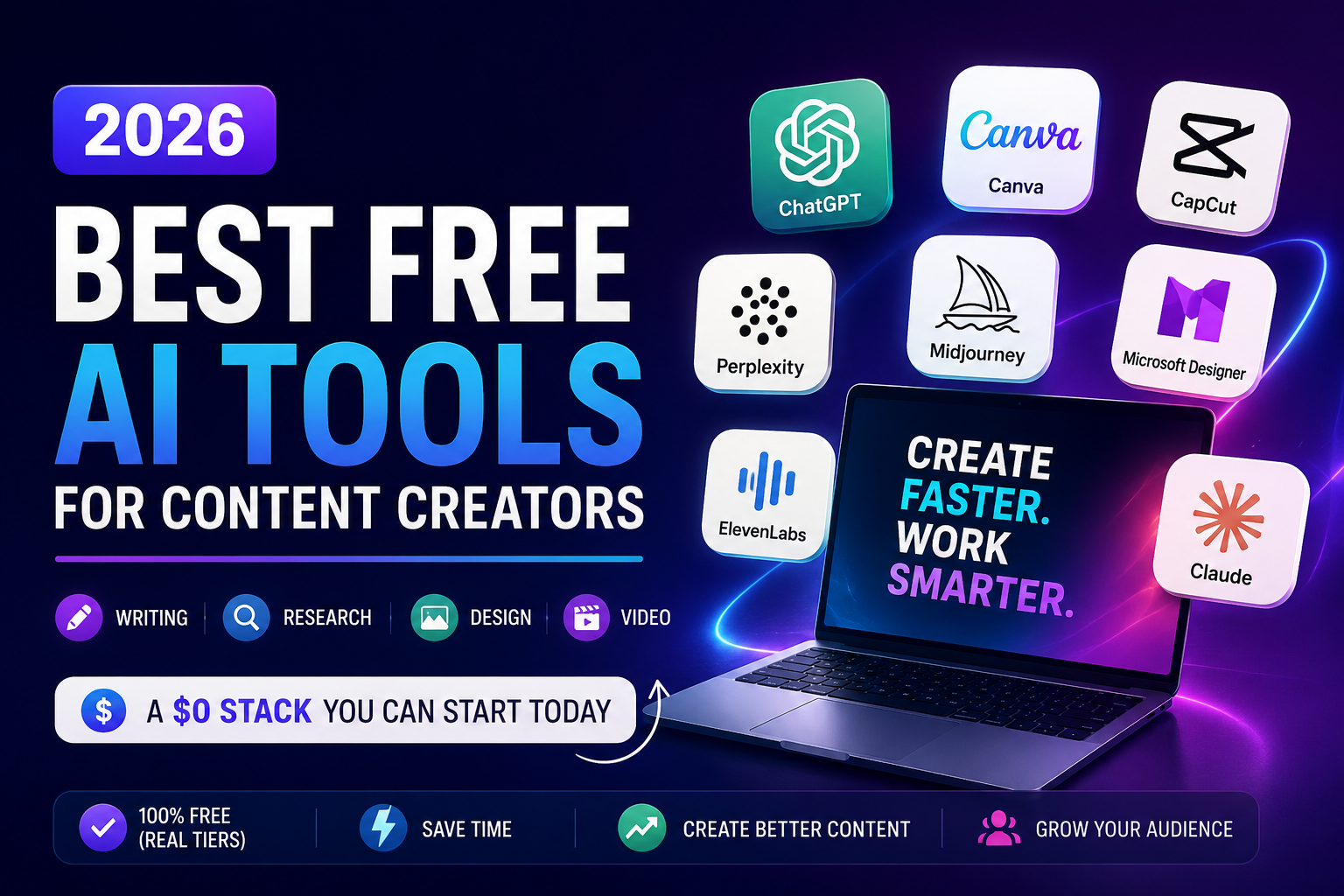
Short version: build a $0 content stack from ChatGPT (writing), Perplexity (research), Canva (visuals), CapCut (video), and Opus Clip (repurposing). Every one has a real free tier — not a trial — and together they cover a full creator workflow without a single paid subscription. Below is what each does, where the free plan hits a wall, and how to pick if you only want two or three.
Quick comparison
| Tool | Best for | Free tier gives you | Where it caps you |
|---|---|---|---|
| ChatGPT | Writing & brainstorming | Capable model, web browsing, file uploads | ~30 messages/hour |
| Perplexity | Research & fact-checking | Cited, real-time answers | Limited advanced queries/day |
| Canva | Thumbnails & graphics | Magic Design, Magic Write, text-to-image | Brand kits & bulk tools need Pro |
| CapCut | Short-form video editing | Full editor, 1080p, no watermark on manual exports | AI generation, voice clone, 4K need credits/Pro |
| Opus Clip | Long video → shorts | Auto-clips with captions + virality score | Watermark on free exports |
What "free" really means with AI tools right now
A truly free AI tool lets you finish and publish something without paying — no watermark, no locked export button. Most tools instead run a "freemium" model: the free tier is generous enough to build a habit, then caps you on volume or advanced features. That's not a scam, it's the smart way in. Master the free tier first, and only pay when a specific limit is genuinely slowing you down. Most creators never hit that wall.
One warning before we start: free tiers change fast, and pricing swings by region and month. Everything below was accurate in mid-2026, but check each tool's own pricing page before you commit. Treat this as a map, not a receipt.
Best free AI tool for writing and brainstorming: ChatGPT
ChatGPT is still the default first move for most creators, and the free tier earns that spot. You get a capable model, web browsing, and file uploads — enough for idea dumps, outlines, first drafts, captions, and rewrites. The cap is roughly 30 messages an hour, which sounds tight until you realize you rarely need more when your prompts are specific.
Two free alternatives are worth keeping in your back pocket. Claude tends to write in a warmer, less "AI-sounding" voice, which is handy for long-form and email. Google Gemini lives inside Docs and Sheets and pulls live info from the web, so it shines when your draft needs current facts. Pick one as your daily driver; the other two are free backups for when you hit a limit. [[internal link: your ChatGPT prompts guide]]
Best free AI tool for research and fact-checking: Perplexity
Here's a trap new creators fall into: they let a chatbot invent a statistic, publish it, and lose trust the moment a reader checks. Perplexity fixes that. Every answer comes with citations you can click, so you can verify a claim, find a real stat, or scan what competitors are saying before you write a word. The free tier handles this comfortably for daily research.
Use it as your fact layer. Draft with ChatGPT or Claude, then run any specific numbers or claims through Perplexity and grab the source. This one habit separates content that ranks from content that gets ignored.
Best free AI tool for visuals and thumbnails: Canva
Canva quietly became a full AI studio. Magic Design builds layouts from a prompt, Magic Write drafts copy inside the editor, and text-to-image generates custom graphics so you're not stuck with the same tired stock photos everyone else uses. For blog headers, YouTube thumbnails, carousels, and Reels covers, the free plan does the job without a designer and without a bill.
The paid Pro tier (about $15/month) mainly buys you background removal at scale, brand kits, and one-click resizing. Nice, not necessary. If you're a solo creator shipping social graphics, start free and stay there until a client pays you enough to justify Pro.
Best free AI tool for short-form video: CapCut
CapCut is the rare free tool that isn't a stripped-down demo — it's the real editor. Your own footage, edited on the timeline and exported at 1080p, comes out clean with no watermark. You get auto-captions, background removal, transitions, speed ramping, and a big free music library, on phone, desktop, or browser. For TikTok, Reels, and Shorts, that's the whole job done for nothing.
Where CapCut gates you is the newer generative stuff: turning a script into video from scratch, AI voice cloning, avatars, and 4K export all run on limited credits or need Pro. So the honest read is this: CapCut is unbeatable for editing footage you already have, and merely okay for generating video out of thin air. If manual short-form editing is your workflow, you may never need to pay.
Best free AI tool for repurposing long videos: Opus Clip
Sitting on a pile of long YouTube videos or podcast recordings? Opus Clip watches your long-form footage, finds the moments most likely to pop, and auto-cuts them into vertical clips with captions and a "virality" score. It won't nail every cut, but it saves the hours you'd spend scrubbing a timeline hunting for the good 40 seconds.
The free tier adds a watermark, so it's best as a discovery tool: let it surface the strong moments, then finish and clean the export in CapCut. One thing to be clear about — this is a repurposing tool, not a creation tool. It's only useful once you already have long-form video to feed it.
Best free AI tools for SEO: Surfer and Frase
Writing content that ranks means matching what's already winning on Google. Surfer SEO offers free content-planning and keyword tools that help you shape a topic before you write. Frase gives you around 10,000 free AI words plus competitor analysis, so you can see what top pages cover and fill the gaps they miss. Neither free tier is unlimited, but both are enough to sharpen a piece before you publish — which matters more than ever now that AI answer engines lift well-structured content straight into their summaries.
How the free tiers compare
Free plans differ in shape, not just size — some cap your time (messages per hour), others your volume (operations or words), others your output quality (watermarks, resolution). Here's the rough landscape as of mid-2026; verify on each pricing page before committing.
| Tool | Free plan | First paid tier | Worth paying when… |
|---|---|---|---|
| ChatGPT | Capable model, browsing, uploads, ~30 msgs/hr | Around $20/mo | You need high volume or the newest models |
| Perplexity | Cited answers, limited advanced queries/day | Around $20/mo | You research all day and hit daily caps |
| Canva | Magic Studio + generous design tools | About $15/mo | You need brand kits and bulk background removal |
| CapCut | Full editor, clean 1080p manual exports | ~$8–10/mo | You want AI video generation, voice clone, or 4K |
| Opus Clip | Auto-clipping with a watermark | ~$15/mo | You repurpose long-form at volume and need clean exports |
Which free tool is right for you
You mainly write — blogs, newsletters, captions. Start with ChatGPT for drafts and Perplexity for facts. That two-tool combo covers 90% of a writer's day at $0.
You post short-form video — TikTok, Reels, Shorts. CapCut alone gets you from raw clips to a captioned, watermark-free export. Add Canva for thumbnails and covers.
You run a YouTube channel or podcast. Record and edit in CapCut, then feed the long cut into Opus Clip to spin out shorts. Perplexity helps you research episodes faster.
You're a solo brand or small business owner. The full $0 stack — ChatGPT, Canva, CapCut — lets one person produce writing, graphics, and video without hiring or subscribing. Layer in Perplexity and Opus Clip as you scale.
You care about ranking on Google. Add Surfer or Frase to whatever writing tool you use, so every post is shaped against what's already winning the search result.
Final verdict
ChatGPT wins for writing, Canva for visuals, CapCut for video, and Perplexity for research — and each is genuinely free, not a countdown trial. You don't need all of them and you definitely don't need to pay on day one. Pick the two or three that match what you actually publish, learn them cold, and add the rest only when a real limit slows you down.
The creators winning in 2026 aren't the ones with the most subscriptions. They're the ones with a tight free stack, a clear workflow, and their own voice on top of the output. Free tiers exist to prove their value before you spend anything — so let them. [[internal link: your Canva vs Photoshop post]]
Frequently asked questions
What is the best free AI tool for content creators?
There's no single winner because it depends on what you make. ChatGPT is best for writing and brainstorming, Canva for visuals and thumbnails, CapCut for short-form video, and Perplexity for research. The strongest approach is a small stack of free tools that covers your full workflow rather than one do-everything app.
Are free AI tools really free, or just trials?
Some are genuinely free forever, like ChatGPT's base tier and CapCut's manual editor. Others are freemium — free to start, with advanced features or higher usage behind a paywall. A few offer only time-limited trials. Always check whether "free" means a permanent tier or a countdown before you build a workflow around it.
Which free AI video editor has no watermark?
CapCut is the top pick. Editing your own footage and exporting at 1080p produces a clean, watermark-free file on the free plan. Watermarks only appear when you keep a Pro-locked template or export certain AI-generated clips. Microsoft Clipchamp is a solid second option for watermark-free 1080p exports.
Can I use free AI tools for commercial or client work?
Often yes, but read each tool's license. CapCut's free tier includes a limited commercial license suitable for social media and small-scale commercial use. Canva's free assets are broadly usable with some restrictions on premium elements. For high-volume client work, the paid tiers usually add the full commercial rights you'll want.
Do I need to pay for ChatGPT to create content?
No. The free ChatGPT tier handles brainstorming, outlines, drafts, and most short-form writing. You'd only upgrade if you need higher volume, faster responses, or the newest models. Many creators run their entire writing workflow on the free plan and never upgrade.
How many AI tools do I actually need?
Four to six is typical, spread across two or three categories that match what you produce. A writer needs different tools than a video creator. Start with a writing tool, a design tool, and a video tool, then add specialized ones only when a clear gap appears in your workflow.




