
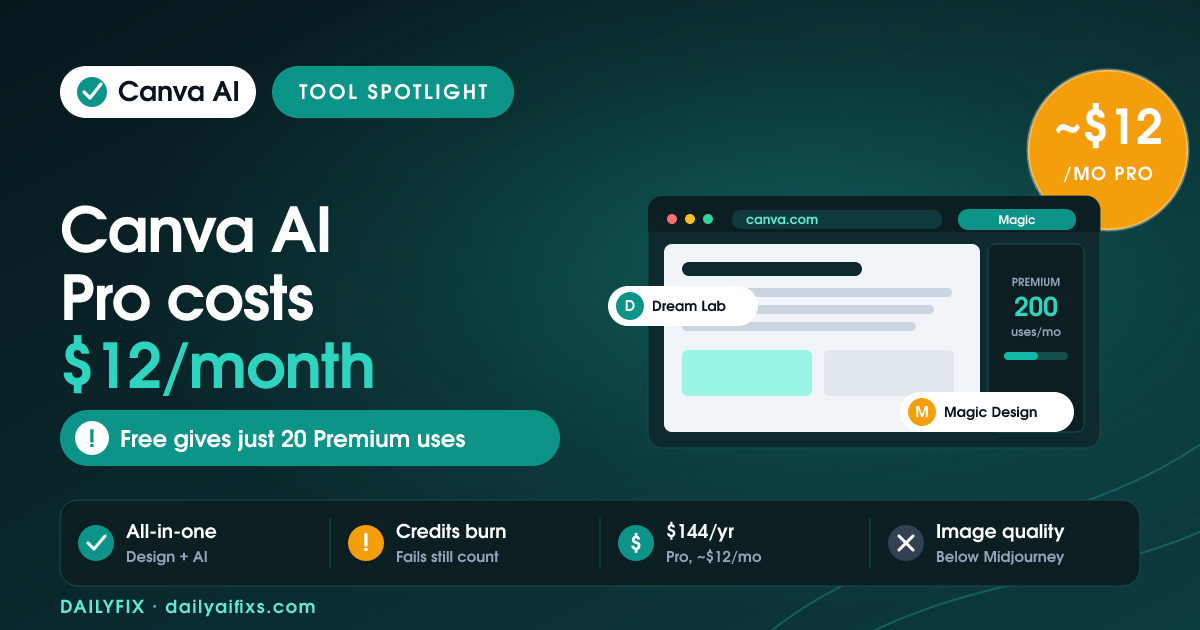
Canva AI pricing in 2026 is simple on the surface and tricky underneath. Canva AI is bundled into Canva's plans, not sold alone. The Free plan gives up to 200 Standard or 20 Premium AI uses a month. Canva Pro costs about $12 per month (billed annually at $144) with 2,000 Standard, 200 Premium, and 20 Ultra uses. Business is $250 per person per year. The catch: all AI tools share one credit pool, and it drains faster than the numbers imply.
Canva put AI into everything and branded the whole bundle Magic Studio. That makes the tools easy to reach and the pricing easy to misread. This is a plain breakdown of Canva AI pricing as of July 2026, based on Canva's official pricing page and recent independent reviews, so you know what each plan really buys before you upgrade.
How much does Canva AI cost in 2026?
Canva AI costs nothing extra on its own because it is bundled into Canva's regular plans in 2026, with no standalone AI subscription. The Free plan is $0 and includes a limited AI allowance. Canva Pro is $144 per year, roughly $12 per month, or about $15 if you pay monthly. Canva Business is $250 per person per year. Enterprise is custom priced. So the question is never "what does Canva AI cost" on its own, but which plan tier gives you enough AI uses for how you work.
The reason this matters: the AI features most people actually want, like Dream Lab image generation, Magic Design, and the new Canva AI 2.0 conversational editor, are gated by plan and by a monthly usage allowance. Pick the wrong tier and you either overpay or hit a wall mid-project.
What does each Canva plan include in 2026?
Each Canva plan in 2026 raises your monthly AI allowance and unlocks more tools. Free covers light personal use. Pro is the solo creator plan and the sweet spot for most solopreneurs. Business adds team collaboration at a steep per-person price. Enterprise adds security and support but the same AI allowance as Business. Here are the core numbers, drawn from Canva's official pricing and a June 2026 pricing review.
| Plan | Price | Standard AI/mo | Premium AI/mo | Ultra AI/mo |
|---|---|---|---|---|
| Free | $0 | up to 200 | up to 20 | None |
| Pro | $144/yr (~$12/mo) | up to 2,000 | up to 200 | up to 20 |
| Business | $250/yr per person | up to 4,000 | up to 400 | up to 40 |
| Enterprise | Custom | up to 4,000 | up to 400 | up to 40 |
Prices and limits change often — verify on the official pricing page before deciding.
One detail saves confusion: a set of everyday tools Canva calls AI Design Tools, including Background Remover, basic Magic Write, Magic Eraser, and Magic Expand, sit outside the credit pool at fair use. They do not spend your monthly allowance. The allowance only covers the heavier generators like Dream Lab, Magic Design, and Canva AI 2.0.
How do Canva AI credits actually work?
Canva AI credits work as a single shared monthly pool that different tools drain at different speeds. Canva sorts its AI into three tiers: Standard AI drains slowest, Premium AI (image generation, Magic Design, Canva Code, Magic Charts) drains at a medium rate, and Ultra AI (Canva AI 2.0 conversational design, text-to-video) drains fastest. The published limits, like "200 Premium uses," assume you only ever use the lightest tool in that tier at minimum complexity.
Here is the part that frustrates people: every generation counts, including the ones you throw away. Running five variations of a Dream Lab image to find one you like spends five Premium uses, not one. Community reports describe Pro users burning through a big chunk of their 200 Premium uses in a single afternoon of experimenting. Canva AI 2.0 is worse for the meter, because a single "build me a 10-slide deck" request chains several models together and can cost far more than ten one-shot generations.
What do you get with Canva Pro versus Free?
Canva Pro gives you roughly 10 times the AI allowance of Free (2,000 Standard, 200 Premium, and 20 Ultra uses per month) plus the tools Free locks out, most notably Ultra AI. Beyond AI, Pro adds 141M+ premium photos, videos, and graphics, 100 GB of storage, five Brand Kits, and the Affinity design suite with its professional AI features. Canva made Affinity's base apps free in 2026, so Pro effectively bundles Photoshop-class editing with Magic Studio.
Canva Free is a real starting point, not a stripped demo. You get Magic Write, Background Remover, and other AI Design Tools without touching the pool, plus up to 20 Premium generations and 5 free Dream Lab images a month. It is enough for occasional personal projects. For production work, client content, or anything where you iterate, you will hit the ceiling fast. Note that Pro is a solo plan, one person per account; collaboration requires Business.
Is Canva AI worth it for a solopreneur in 2026?
For most solopreneurs, Canva Pro is worth it, but for the whole bundle rather than the AI alone. At about $12 per month, Pro replaces several separate subscriptions: a stock-photo library, a background-removal tool, and often a scheduling app, with Magic Studio AI on top. If you are a non-designer who could not produce visual content before, even imperfect AI output is a clear win over starting from nothing.
Where Canva AI falls short is pure image quality. In independent April 2026 testing, Dream Lab rated above DALL-E 3 but behind Midjourney v7, with the usual weak spots: distorted faces in close-ups, bad hands, and garbled small text. If high-end image generation is your core job, Midjourney at $10 per month produces better output, though without Canva's all-in-one editor. And if your team is three or more people, the jump to Business at $250 per person per year adds up quickly, since the old flat-rate Teams plan no longer accepts new sign-ups.
What is the Canva AI Pass and do you need it?
The Canva AI Pass is a paid monthly add-on for Pro or Business subscribers that multiplies your AI allowance, roughly 40 times more usage than Pro alone and 20 times more than Business. It does not unlock new tools; it only raises the ceiling for heavy users like agencies and full-time content creators who exhaust the monthly pool regularly. Canva's own help docs are blunt that you do not need AI Pass to access AI features.
The awkward part is transparency: Canva does not publish the AI Pass price on its pricing page. It appears at checkout after you log in, billed as a separate line item on your existing cycle. For most solo users, AI Pass is unnecessary. If you have not hit your monthly ceiling yet, skip it, and only consider it once you are consistently running out of Premium or Ultra uses before the reset.
Frequently asked questions
How much does Canva AI cost in 2026?
Canva AI is not sold separately in 2026. It is bundled into Canva's plans. The Free plan costs $0 and includes up to 200 Standard or 20 Premium AI uses per month. Canva Pro costs $144 per year, about $12 per month, and gives 2,000 Standard, 200 Premium, and 20 Ultra AI uses monthly. Canva Business costs $250 per person per year. There is no AI-only tier.
Is Canva AI free?
Canva has a real free tier with AI. The Canva Free plan includes up to 200 Standard or 20 Premium AI uses per month from a shared pool, plus AI Design Tools like Background Remover and basic Magic Write that sit outside the pool at fair use. It does not include Ultra AI, so no Canva AI 2.0 or text-to-video. Dream Lab image generation is limited to 5 free generations per month.
How do Canva AI credits work?
Canva AI tools share one monthly allowance split into three drain rates. Standard AI uses the least, Premium AI (image generation, Magic Design) uses a medium amount, and Ultra AI (Canva AI 2.0, text-to-video) drains fastest. Every generation counts, including failed ones. Iterating on a prompt five times spends five uses, which is why the pool empties faster than the published numbers suggest.
Is Canva Pro worth it just for the AI?
For occasional AI use alone, Canva Pro is hard to justify. But at about $12 per month, Pro also unlocks 141M+ premium assets, 100 GB storage, five Brand Kits, and the Affinity suite with AI. If Pro replaces a stock-photo subscription, a background remover, and a scheduling tool, it pays for itself. For pure image quality, Midjourney at $10 per month produces better output.
What is the Canva AI Pass?
The Canva AI Pass is a paid monthly add-on for Pro or Business subscribers that multiplies your AI allowance, roughly 40x more than Pro and 20x more than Business. It does not unlock new tools, only more usage. Canva does not publish the AI Pass price on its pricing page; it appears at checkout after you log in. You can add or cancel it anytime from Settings, then Billing.
The bottom line
Canva AI in 2026 is a strong deal if you buy it for the whole package, not the AI alone. Canva Pro at about $12 per month bundles Magic Studio with 141M+ assets, storage, Brand Kits, and the free Affinity suite, which is real value for solopreneurs and non-designers. Just go in clear-eyed about the credit pool: it is shared, failed generations still count, and Canva AI 2.0 drains it fast. If you want top-tier image quality, pair Canva with Midjourney. Figures here reflect Canva's official pricing and independent reviews as of July 2026 — verify before you buy.
Sources: Canva official pricing page (canva.com/pricing), eesel AI Canva AI pricing 2026, aiworthit Canva AI review 2026, aitoolanalysis Canva Magic Studio review (April 2026). Retrieved July 2026.




