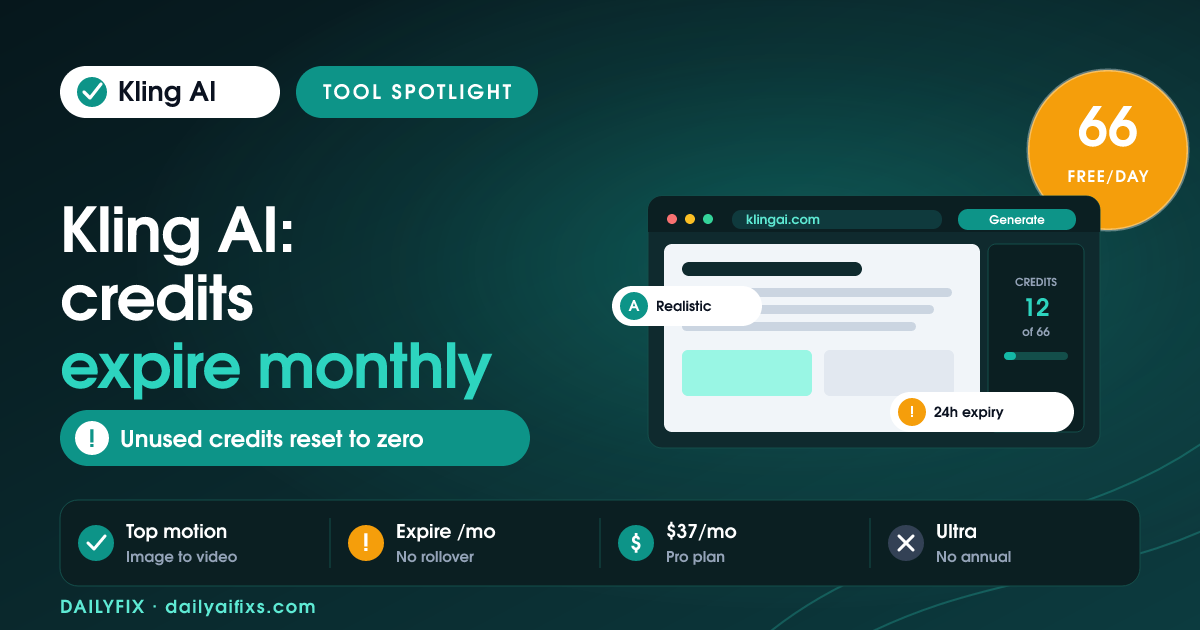
Kling AI pricing in 2026 is $0 Free (66 daily credits), $10/month Standard (660 credits), $37/month Pro (3,000 credits), $92/month Premier (8,000 credits), and $180/month Ultra (26,000 credits). The catch is expiry: subscription credits reset to zero at the end of each billing month, and free credits vanish every 24 hours — so unused video credits simply disappear.
Kling AI is one of the strongest AI video generators of 2026, popular for realistic motion and image-to-video. Its plans run on credits, and the credit rules — not the sticker price — decide what you actually get. A month's allowance can expire before you finish a project. Here is every tier and the credit math, based on Kling's pricing and independent breakdowns as of July 2026.
How much does Kling AI cost in 2026?
Kling AI costs $0 on Free (66 daily credits), $10/month on Standard (660 credits), $37/month on Pro (3,000 credits), $92/month on Premier (8,000 credits), and $180/month on Ultra (26,000 credits). Annual billing saves about 34% on Standard, Pro, and Premier — but Ultra has no annual option as of mid-2026. Credits are the real currency; the plan price mostly sets how many seconds of video you can render each month.
| Plan | Price (monthly) | Credits | Best for |
|---|---|---|---|
| Free | $0 | 66 per day (expire in 24h) | Testing short clips |
| Standard | $10 | 660 / month | Light, occasional video |
| Pro | $37 | 3,000 / month | Regular creators |
| Premier | $92 | 8,000 / month | Heavy, near-production use |
| Ultra | $180 | 26,000 / month | Production-scale work |
Prices and limits change often — verify on the official pricing page before deciding.
What is the catch with Kling AI credits?
The catch with Kling AI credits is that they expire. Subscription credits reset to zero at the end of every billing month, so anything you do not spend is lost — there is no rollover. On the Free plan it is stricter still: the 66 daily credits vanish after 24 hours, enough for only a handful of low-resolution test clips before you wait for the next day's refill.
That expiry changes how you should buy. Paying for a big plan "to have credits in reserve" does not work, because the reserve evaporates monthly. The smarter move is to match your plan to what you will actually render this month and to batch your generations rather than spreading them thin. If a project spans weeks, plan the heavy renders inside a single billing cycle.
How many videos do Kling AI credits buy?
Kling AI credits convert to seconds of video, and the rate depends on the mode. A 5-second clip costs about 10 credits in Standard Mode and about 35 credits in Professional Mode (higher quality). So Standard's 660 monthly credits is roughly 330 seconds of Standard-Mode video, but only about 94 seconds in Professional Mode — a big difference driven entirely by which mode you pick.
That is why Standard and Pro often run dry before month-end for anyone rendering in Professional Mode. Pro's 3,000 credits sounds generous until you realize it is around 85 five-second Professional clips, with re-rolls and failed generations eating into that. For steady, quality-focused output, Premier or Ultra is where the credit math stops pinching — the cheaper tiers suit light or Standard-Mode use.
Which Kling AI plan should a creator pick?
For regular creators, Kling AI Pro at $37/month (3,000 credits) is the sensible starting paid plan — enough for steady output if you mix modes and avoid excessive re-rolls. Standard at $10 suits only light or Standard-Mode use, and Free's daily-expiring credits are for testing. Heavy, quality-focused creators who render a lot of Professional-Mode video should look at Premier ($92) or Ultra ($180), where credits last through a real production month.
One billing quirk to weigh: Ultra has no annual discount, while Standard, Pro, and Premier save about 34% annually. So if you are committing long-term at high volume, Premier on annual billing can be better value per credit than monthly Ultra. Run one month at your expected volume, watch how fast credits expire, then lock in the tier that matches your real render load.
Kling AI pricing FAQ
Is Kling AI free to use in 2026?
Yes, Kling AI has a Free plan at $0 that grants 66 credits per day, but those credits expire every 24 hours and cover only a handful of low-resolution test clips. Free is a way to try the models and judge output quality, not to produce ongoing video. Because a 5-second clip costs about 10 credits in Standard Mode, the daily 66 runs out fast. Regular work needs a paid plan.
Do Kling AI credits roll over?
No. Kling AI subscription credits expire at the end of each billing month and do not roll over, and Free plan credits expire every 24 hours. Unused credits are simply lost. This means buying a larger plan to stockpile credits does not work — the balance resets monthly. Match your plan to the video you will actually render in a given month, and batch heavy generations within one billing cycle.
How much video is 3,000 Kling credits?
Kling AI's Pro plan gives 3,000 monthly credits. At about 10 credits per 5-second clip in Standard Mode, that is roughly 1,500 seconds of Standard-Mode video. In higher-quality Professional Mode, a 5-second clip costs about 35 credits, so 3,000 credits is closer to 85 clips (about 425 seconds). Re-rolls and failed generations reduce that further, which is why Pro can run out before month-end for quality work.
Does Kling AI offer annual billing?
Kling AI offers annual billing that saves about 34% on the Standard, Pro, and Premier plans. The Ultra plan, however, has no annual option as of mid-2026 — it is monthly-only. So for high-volume users committing long-term, annual Premier can work out cheaper per credit than monthly Ultra. If your usage is steady, annual billing on the tier below Ultra is usually the best value.
Is Kling AI better value than other video tools?
Kling AI is competitive on realistic motion and image-to-video quality in 2026, and its Pro tier is priced similarly to rivals like Runway. The deciding factor is the credit model: Kling's credits expire monthly and Professional Mode burns them fast. If you render high volume, Premier or Ultra makes the math work; for light use, Standard is cheap. Compare your expected monthly render load against each tool's credit rules before choosing.
The bottom line on Kling AI pricing in 2026
Kling AI is a top AI video tool in 2026, and Pro at $37/month is the sensible starting plan for regular creators. The rule that matters is expiry: subscription credits reset to zero every billing month and free credits vanish daily, so buy for the month you will actually use. Professional Mode burns credits roughly 3.5x faster than Standard Mode — heavy users should size up to Premier or Ultra. Verify current credit rates on Kling's official pricing page before committing.
Sources: Kling AI pricing (klingai.com), eesel AI's Kling pricing breakdown (eesel.ai/blog/kling-ai-pricing), and Fello AI — all retrieved July 2026.