
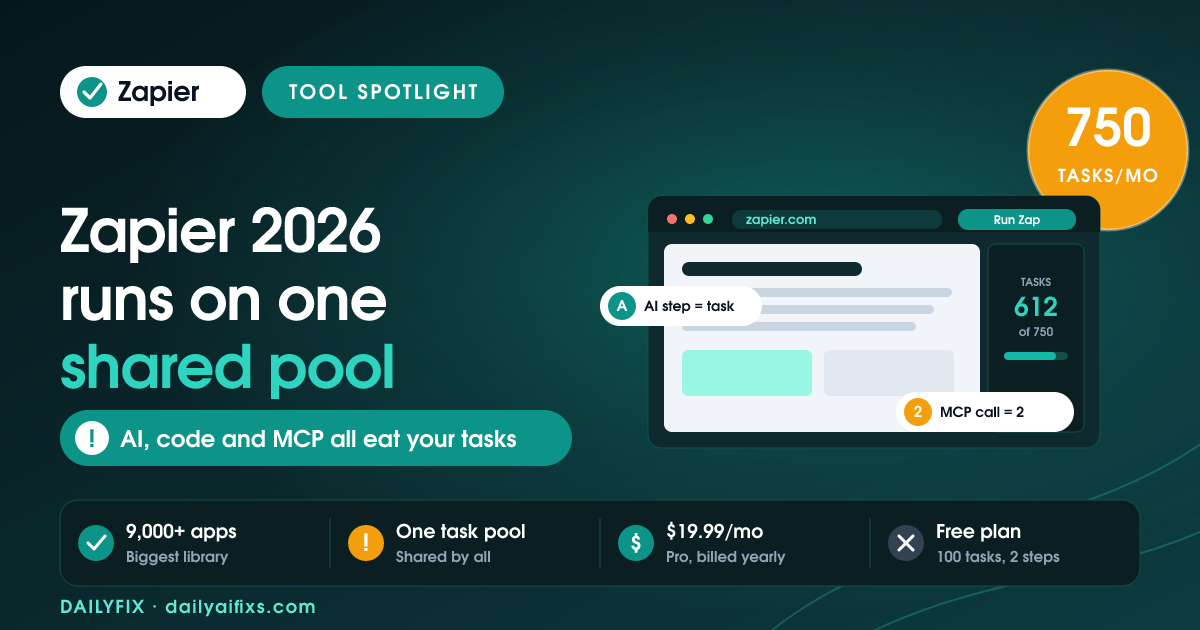
Zapier pricing in 2026 has four tiers: Free at $0 for 100 tasks a month, Professional from $19.99 a month for 750 tasks, Team from $69 a month for 2,000 tasks across 25 users, and Enterprise on a custom quote. Those are annual-billing prices. The real catch is the shared task pool — Zap steps, AI steps, code and MCP calls now all drain the same monthly allowance.
Zapier changed how it charges in 2026, and the change is easy to miss because the plan names stayed the same. AI steps, Code by Zapier and the Zapier Model Context Protocol (MCP, the layer that lets an AI assistant take actions in your apps) used to feel like side features. Now they bill exactly like every other action step. We went through Zapier's official pricing page in July 2026 and mapped what you actually pay.
How much does Zapier cost in 2026?
Zapier costs $0 on Free, from $19.99 a month on Professional, from $69 a month on Team, and a custom quote on Enterprise — all billed annually. Paying monthly costs meaningfully more: Professional lands near $29.99 a month and Team near $103.50 a month. Annual billing saves 33%. Every paid plan includes the full platform: Zap workflows, Tables, Forms, Canvas and MCP.
| Plan | Price (annual) | Tasks/mo | Seats | Key limit |
|---|---|---|---|---|
| Free | $0 | 100 | 1 | Two-step Zaps only, 15-min polling |
| Professional | from $19.99/mo | 750 (tiers up to 2M) | 1 | Live chat only from the 2,000-task tier up |
| Team | from $69/mo | 2,000+ | 25 | No advanced admin controls or SCIM |
| Enterprise | Custom quote | Custom | Unlimited | Sales conversation required |
Figures from Zapier's official pricing page, retrieved July 2026. Prices and limits change often — verify on the official pricing page before deciding.
Two details soften the sticker price. Zapier gives every new account a 14-day Professional trial with no card required, and registered non-profits get 15% off any paid plan, excluding pay-per-task charges.
What counts as a task in Zapier, and what doesn't?
A Zapier task is one successful action step. If a Zap has a trigger and three actions and runs once, that run burns three tasks, not one. Triggers are free. Polling for new data is free. Failed actions are free. This is why a five-step Zap running twice a day consumes roughly 300 tasks a month on its own — nearly half of the Professional plan's 750.
Several built-in tools are explicitly free and do not count against the Zapier task quota, which matters more than most people realise:
Free steps (no task charged):
Filter by Zapier · Formatter by Zapier · Paths by Zapier · Delay · Looping · Sub-Zap · Digest · Storage · Zapier Manager · Zapier Tables · Zapier Forms
Putting a Filter step early in a Zap is the single cheapest optimisation available. A filter that stops 60% of runs before they reach the paid action steps cuts that Zap's task usage by roughly 60%, and the filter itself costs nothing.
What is the shared task pool, and why does it raise your bill?
The shared task pool is Zapier's 2026 billing change: Zap workflows, AI steps, Code by Zapier, MCP and the Zapier SDK all draw from one task allocation instead of holding separate budgets. Zapier states this plainly on its pricing page. There is no separate AI credit balance to run down — an AI step and a Slack message step both come out of the same 750.
The rate is not flat either. Zapier says AI model tier, code runtime and connector type each affect how many tasks an action uses. A heavier model or a longer-running code step consumes more than a simple action. One concrete published number: a single Zapier MCP tool call uses two tasks. If you have wired Zapier MCP into an AI assistant and it fires 200 calls in a month, that is 400 tasks gone — more than half of a Professional plan — before a single Zap has run.
Worked example — a 750-task Professional plan
Lead Zap, 4 paid steps, 60 leads/mo = 240 tasks
Invoice Zap, 3 paid steps, 40 invoices/mo = 120 tasks
AI summary step on each lead, 60 runs = 60+ tasks (more on a heavier model)
MCP assistant, 150 calls at 2 tasks each = 300 tasks
Total: 720+ of 750. One busy month tips you into overage.
Is the Zapier free plan enough for a solopreneur?
The Zapier free plan works for one or two simple automations and nothing more. You get 100 tasks a month, two-step Zaps only, one seat, 15-minute polling and 2,500 Tables records. Two-step means one trigger and one action — no filters between them, no branching, no enrichment. A single form-to-spreadsheet Zap fits comfortably. A lead workflow that notifies you, tags the contact and drafts a reply does not.
Free is best treated as a proving ground. Build the automation, watch it run for a month, and only pay once you can see the task count it actually generates. Guessing before you have that number is how people end up on a plan tier that does not fit.
How much do Zapier Agents and Chatbots cost in 2026?
Zapier Agents and Zapier Chatbots are priced separately from your main plan. Agents Free covers 400 activities a month; Agents Pro is $400 billed annually, roughly $33.33 a month, for 1,500 activities. Chatbots Free allows 2 chatbots; Chatbots Pro is $160 a year, about $13.33 a month, for 5 chatbots; Chatbots Advanced is $800 a year, about $66.67 a month, for 20 chatbots and logo removal.
An activity in Zapier Agents means any action the agent takes — running a behaviour, chatting, browsing the web, or reading attached knowledge. The 400-activity free tier is genuinely usable for testing one agent. Note that Team accounts share a single pool of Agents activities across everyone, so a five-person team on Agents Free is splitting 400 activities, not getting 400 each.
What happens when you run out of Zapier tasks?
When you hit your Zapier task limit, one of two things happens depending on a setting. With pay-per-task billing on, Zapier switches you to a higher per-task rate and your Zaps keep running until you reach the plan's hard maximum, at which point they pause until the next billing period. With pay-per-task billing off, your Zaps pause immediately at the limit. Zapier emails you as you approach both thresholds.
Neither outcome is good. Paused Zaps mean leads sitting unrouted and invoices unsent, and you often find out from the customer rather than the dashboard. Independent pricing breakdowns published in 2026 put the overage rate at roughly 1.25x your base per-task cost with a ceiling near 3x your included tasks, though Zapier does not publish a single flat multiplier on its pricing page. Treat overage as an emergency buffer, not a plan.
Who should actually pay for Zapier in 2026?
Pay for Zapier Professional if you need connections to apps that other automation platforms do not carry. Zapier's 9,000+ app library is the largest available, and that breadth is the honest reason to choose it over cheaper alternatives. If your workflow touches a niche CRM, a regional payment processor or an older booking system, Zapier probably has the integration and its competitors probably do not.
Do not pay for Zapier if your automations only touch mainstream apps and you run high volume. At thousands of runs a month, task-based billing works against you, and self-hosted or flat-rate alternatives cost far less for the same work. The deciding question is not price per month — it is whether the specific integrations you need exist elsewhere.
Frequently asked questions
Does Zapier charge a task every time a Zap runs?
No. Zapier charges one task per successful action step, not per Zap run. A Zap with four action steps uses four tasks each time it fires. Triggers and polling never cost tasks, and failed actions are not charged. Built-in tools including Filter, Formatter, Paths, Delay, Looping and Digest are also free of task charges.
How much does the Zapier Professional plan cost per month?
Zapier Professional starts at $19.99 a month for 750 tasks when billed annually, and near $29.99 a month when billed monthly. Higher task tiers on the same Professional plan scale up to 2 million tasks a month. Live chat support is only included from the 2,000-task Professional tier and above.
Is Zapier MCP free to use?
Zapier MCP is available on Free, Professional and Team plans without a separate subscription fee, but it is not free in practice. Each Zapier MCP tool call consumes two tasks from your plan's shared quota. Heavy MCP use from an AI assistant can drain a Professional plan's 750 monthly tasks quickly.
Do Zapier AI steps use a separate credit balance?
No. As of 2026, Zapier AI steps draw from the same shared task pool as Zap workflow steps, code and MCP calls. There is no separate AI credit budget. Zapier notes that heavier AI model tiers consume more tasks per action, so an AI step is not guaranteed to cost exactly one task.
Is the Zapier free plan good enough to run a small business?
The Zapier free plan handles one or two simple automations, not a business. It caps you at 100 tasks a month, two-step Zaps, one seat and 15-minute polling, so no filters, branching or multi-app workflows. Use Free to measure your real task volume for a month, then choose a paid tier from that number.
The bottom line
Zapier in 2026 is still the widest automation library on the market, and Professional at $19.99 a month billed annually is fair for a solopreneur running a handful of workflows. The thing to watch is the shared task pool: AI steps, code and MCP calls now compete with your Zaps for the same 750 tasks, and MCP costs double. Run on Free for a month, count your real tasks, add filters early, then buy the tier that fits.
All prices and limits verified against Zapier's official pricing page in July 2026. Zapier changes plan structures frequently — check zapier.com/pricing before you buy.




