
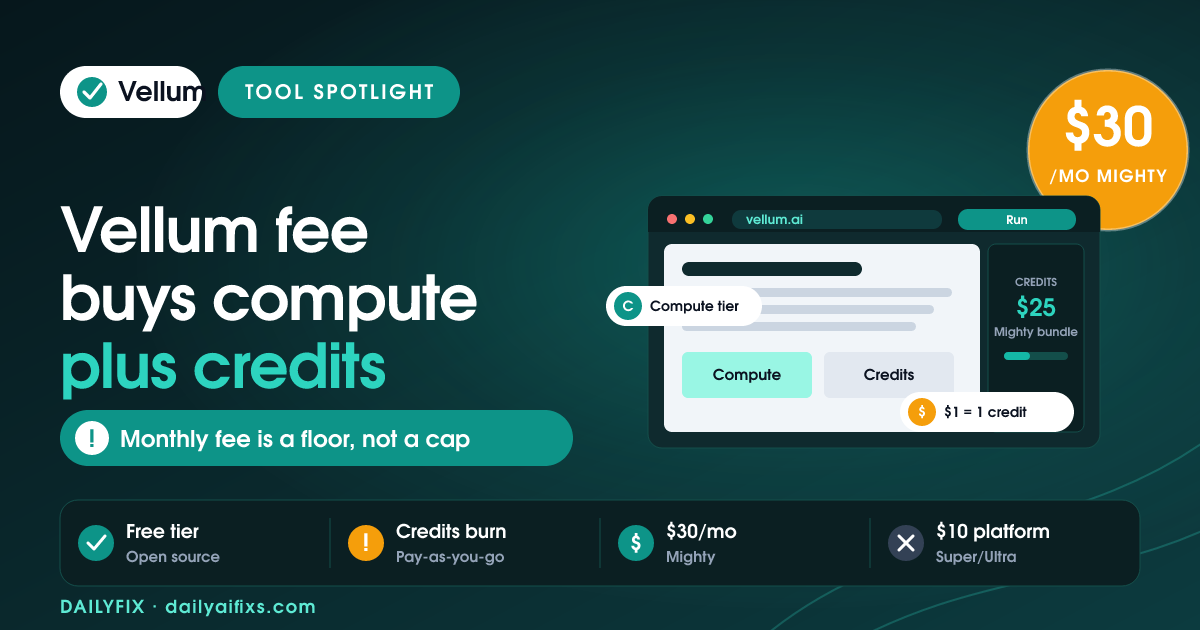
TL;DR: Vellum AI pricing goes from a free tier to Mighty at $30, Super at $100, and Ultra at $200 a month. The catch: the monthly fee mostly buys a bigger computer, more storage, and a small credit bundle ($25 to $115), while everything the assistant does, AI responses, searches, images, spends credits pay-as-you-go at $1 each. You can also self-host the open-source assistant for free.
Last updated: August 2026 · By Sandeep Singh, DailyFix
Vellum is an open-source personal AI assistant that runs tasks, tools, and skills on a persistent workspace of its own. As of August 2026 its pricing looks like a normal three-tier SaaS ladder, but it is really a compute-plus-credits model wearing a subscription's clothes. Read the tiers the wrong way and you will misjudge what your monthly fee actually buys. Here is the breakdown, checked in August 2026.
How does Vellum AI pricing work in 2026?
Vellum AI pricing is a mix of a monthly package and pay-as-you-go credits. As of August 2026, there is a free tier, then Mighty at $30 a month, Super at $100, and Ultra at $200, per Vellum's pricing page. Each paid package buys a larger computer, more storage, and an included monthly credit bundle, with a custom plan on request.
The mental model that matters: your monthly fee sets the assistant's compute ceiling and storage, and hands you a starter pile of credits. It does not buy unlimited usage. Mighty includes $25 in credits, Super $45, and Ultra $115. Once those run out, the assistant keeps working, but every action bills against pay-as-you-go credits. So two people on Ultra can pay very different totals depending on how hard they use it.
What do Vellum credits pay for?
Vellum credits pay for what the assistant actually does, AI responses, web searches, and image generation, at a flat rate of $1 per credit, per Vellum's pricing FAQ checked in August 2026. Paid packages include a monthly bundle, but beyond it credits are pay-as-you-go on every plan, including the free tier.
This is the number that turns a "$30 plan" into something more. If your assistant answers dozens of prompts a day, runs searches, and generates images, the included $25 to $115 bundle can be spent well before month end, and then you top up. The upside is honesty and predictability at the unit level: $1 equals 1 credit, with no confusing multipliers. The watch-out is that the sticker price is a floor, not a ceiling. Budget by estimating monthly credit burn on top of the package fee, the same way you would meter any usage-based AI tool.
| Plan | Price / month | Computer | Storage | Credits included |
|---|---|---|---|---|
| Free | $0 | Small (1 vCPU / 2 GiB) | Starter | First tasks free |
| Mighty | $30 | Small (1 vCPU / 2 GiB) | 10 GB | $25 |
| Super | $100 | Medium (2.5 vCPU / 5 GiB) | 30 GB | $45 |
| Ultra | $200 | Large (4 vCPU / 8 GiB) | 60 GB | $115 |
Prices and limits change often — verify on the official pricing page before deciding.
What is included in each Vellum plan?
Each Vellum plan is defined by its compute tier, storage, and credit bundle, and the Super and Ultra plans add a $10 a month base fee for a custom subdomain, static IP, and priority support, per Vellum's pricing FAQ checked in August 2026. Mighty does not include that base fee.
So the jump from Mighty to Super is not just "more of the same." Super moves you from a Small to a Medium computer, triples storage to 30 GB, nearly doubles the credit bundle, and folds in the $10 platform fee that unlocks a subdomain and priority support. Ultra pushes compute to a Large machine and 60 GB with a $115 credit bundle. Pick the tier by what constrains you first: if the assistant feels slow or hits memory limits, you need more compute; if you keep running out of credits, a bigger bundle or top-ups matter more than a faster machine.
Can you self-host Vellum for free?
Yes. The Vellum assistant is open source, so you can deploy it on your own hardware, a VPS, or a private cloud with no platform fee and no computer-tier charges, per Vellum's pricing page checked in August 2026. You keep control of your data, your keys, and your uptime.
Self-hosting flips the cost structure: instead of paying Vellum for compute and a subdomain, you run the machine and skip those fees entirely. You still pay for the underlying language-model usage, since the assistant calls an LLM to think, and you take on the ops work of keeping it online. For a technical solopreneur who already runs a VPS, that can be the cheapest path to an always-on assistant. For someone who wants zero maintenance, the managed tiers exist precisely so you do not have to.
Is Vellum worth it as a personal AI assistant?
Vellum is worth it as a personal AI assistant if you want an always-on agent that runs tasks, tools, and skills against persistent storage, and you are comfortable with usage-based costs. Its unit pricing is clean, $1 per credit, and its open-source core gives you a free self-hosted escape hatch.
The decision comes down to how you use it. A light user is often better off on the free tier, topping up credits occasionally, than paying $30-plus a month for compute they will not stress. A daily power user who leans on the assistant for research, drafting, and image work should size the compute tier to performance and then budget credit burn on top. Either way, judge Vellum on total monthly cost, package fee plus credits, not on the headline tier price alone.
Frequently asked questions
Is Vellum free?
Vellum has a free tier where your first tasks are on the house and your assistant runs on a fixed Small computer (1 vCPU / 2 GiB). It is enough to set up an assistant and try it out. Beyond the starter tasks, anything the assistant does draws on pay-as-you-go credits, where $1 equals 1 credit.
How much does Vellum cost per month?
Vellum's paid packages are Mighty at $30 a month, Super at $100 a month, and Ultra at $200 a month, per Vellum's pricing page checked in August 2026. Each step up buys a bigger computer and more storage, and includes a monthly credit bundle of $25, $45, and $115 respectively. A custom plan is also available.
What do Vellum credits pay for?
Credits are how Vellum bills for what your assistant does, such as AI responses, web searches, and image generation, at $1 per credit. Paid packages include a monthly credit bundle, but once you use it up, credits are pay-as-you-go on every plan. So heavy use costs more than the flat monthly fee suggests.
Is there a platform fee in Vellum?
Yes. Vellum's $10 a month base fee covers a custom subdomain, a static IP address, and priority support, and it applies to the Super and Ultra packages on top of their compute and storage, per Vellum's pricing FAQ checked in August 2026. The Mighty package does not include this base fee.
Can you self-host Vellum for free?
Yes. The Vellum assistant is open source, so you can deploy it on your own hardware, a VPS, or a private cloud with no platform fee and no computer-tier charges, per Vellum's pricing page checked in August 2026. You control your data and keys, but you still pay for the underlying LLM usage and your own infrastructure.
Is Vellum worth it as a personal AI assistant?
Vellum suits people who want an always-on personal AI assistant that runs tasks, tools, and skills with persistent storage. The value depends on usage: the monthly fee mainly buys compute, storage, and a small credit bundle, so a light user may prefer the free tier and a heavy user should budget pay-as-you-go credits on top.
Bottom Line
Vellum is a flexible, open-source personal AI assistant in 2026, and its pricing is really a compute-plus-credits model, not a flat SaaS fee. Start on the free tier to learn your usage, move to Mighty at $30 if you want more capacity, and step to Super or Ultra only when compute or storage becomes the bottleneck. Budget credit burn at $1 each on top of the package. If you are technical and want to avoid the fees entirely, self-host the open-source assistant and pay only for your LLM usage.
Sources
- Vellum — Official pricing (checked August 2026)
- Vellum — Pricing documentation
Related reads
- Manus AI Pricing 2026: What Credits Really Buy
- Genspark Pricing 2026: The Credit Burn Catch
- Taskade Pricing 2026: The AI Credit Pool
- MindStudio Pricing 2026: The Plus Usage Catch
- Dust Pricing 2026: The Per-Seat Credit Meter




