Power Automate Pricing 2026: The Premium Catch
TL;DR: Power Automate pricing in 2026 starts "free" inside Microsoft 365 but only for cloud flows on standard connectors. Real automation needs the Premium license at $15 per user per month (billed yearly). Unattended RPA bots cost $150 per bot per month, Hosted Process bots $215, and heavy AI use burns extra AI Builder credits.
Last updated: August 2026 · By Sandeep Singh, DailyFix
Power Automate is Microsoft's low-code automation tool, and it's everywhere because it ships alongside Microsoft 365. That's exactly why the pricing trips people up. As of August 2026, the free license you already have does far less than most people assume, and the jump to real automation is a specific paid step. Here's what each tier of Power Automate pricing actually costs, and where the money quietly leaks.
What does the Power Automate free plan actually include?
The Power Automate free plan (the "seeded" use rights bundled with most Microsoft 365 business and enterprise subscriptions) runs cloud flows using standard connectors only — Outlook, SharePoint, Teams, OneDrive, and similar Microsoft apps. There's also a separate 30-day free trial. Neither covers premium connectors, desktop RPA, or serious AI.
So you can automate email-to-SharePoint or Teams notifications at no extra cost. But the moment your flow needs a premium connector — think Salesforce, HTTP requests, SQL Server, or most non-Microsoft SaaS — you're pushed to a paid license. This is the first catch: "free with Office" is real, but it's the narrowest slice of the product.
How much does Power Automate Premium cost in 2026?
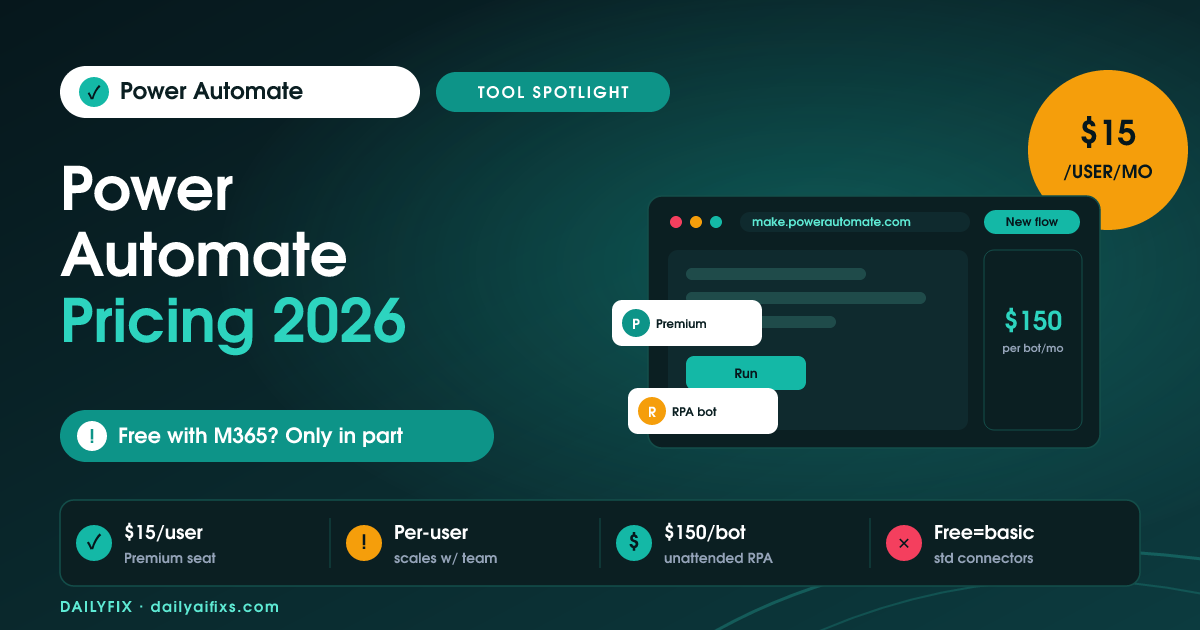
Power Automate Premium costs $15 per user per month billed yearly, or roughly $20 per user per month billed monthly. According to Microsoft's Power Automate pricing page (checked August 2026), Premium unlocks premium and custom connectors, attended desktop flows (RPA), process and task mining, and managed environments for one named user.
The key word is "per user." Premium is licensed to a person, not a flow. One solopreneur running twenty flows pays $15 a month. But a five-person team all needing premium connectors pays five times that — automation licensing scales with headcount, not with how much you actually automate. That's a very different model from usage-based tools, and it's where Power Automate pricing gets expensive without anyone noticing.
What does Power Automate RPA and bot pricing cost?
Power Automate RPA bot pricing kicks in when you want automation to run unattended — no human logged in, no browser open. According to Microsoft's pricing page (checked August 2026), the Process plan is $150 per bot per month and runs unattended desktop flows on your own machine, while Hosted Process is $215 per bot per month and runs on a Microsoft-managed virtual machine on Azure.
These are per-bot, not per-user, and one bot runs one unattended flow at a time. Need three unattended jobs running at once? That's three bots. This is the tier that turns a "$15 automation tool" into a four-figure monthly bill for teams doing genuine robotic process automation.
How do Power Automate AI Builder credits and Copilot Studio pricing work?
Power Automate AI Builder credits power the AI steps in a flow — document extraction, form processing, prediction, and text analysis. Premium includes an AI Builder credit allotment pooled across your tenant. Process large volumes and you exhaust it, then pay $500 per unit per month for one million extra credits, or go pay-as-you-go through an Azure subscription.
Separately, if you want conversational AI agents rather than plain flows, Microsoft Copilot Studio starts at $200 per month for 25,000 Copilot Credits, and each agent action bills a variable number of credits. The pattern across both: the base license gets you in the door, but AI-heavy automation meters on top. Budget for the credits, not just the seat.
Is Power Automate pricing worth it for a small business?
For a small business already paying for Microsoft 365, Power Automate pricing is worth it if your automations live inside the Microsoft ecosystem and you stay on cloud flows. One Premium seat at $15 per user per month is fair value against Zapier or Make paid tiers, and native Outlook, Teams, and SharePoint depth is hard to beat.
It stops being worth it when you need many users on premium connectors, several unattended bots, or heavy AI Builder use — the per-user and per-bot math climbs fast. A solopreneur automating their own Microsoft-centric workflow: strong yes. A growing team connecting lots of third-party SaaS: price out Zapier and Make first, because usage-based billing may be cheaper than stacking seats and bots.
| Plan | Price | Best for |
|---|---|---|
| Free (seeded with M365) / 30-day trial | $0 | Cloud flows on standard Microsoft connectors only |
| Premium | $15 / user / month (yearly) | Premium + custom connectors, attended RPA, one user |
| Process | $150 / bot / month | Unattended RPA on your own machine |
| Hosted Process | $215 / bot / month | Unattended RPA on a Microsoft-hosted VM |
| AI Builder add-on | $500 / unit / month | 1,000,000 extra AI Builder credits |
| Copilot Studio | $200 / month | 25,000 Copilot Credits for AI agents |
| Process Mining add-on | $5,000 / tenant / month | Deep process discovery at scale |
Prices and limits change often — verify on the official pricing page before deciding.
Frequently asked questions
Is Power Automate free with a Microsoft 365 subscription?
Partly. Most Microsoft 365 business and enterprise plans seed a free Power Automate use-rights license that runs cloud flows with standard connectors only. Premium connectors, desktop RPA, and AI Builder are not included and require a paid Premium license at $15 per user per month.
How much is Power Automate Premium per month?
Power Automate Premium is $15 per user per month billed yearly, or about $20 per user per month billed monthly, according to Microsoft's pricing page checked in August 2026. It unlocks premium and custom connectors, attended desktop RPA, and process mining for one named user.
What is the difference between the Process and Hosted Process plans?
Both run unattended RPA bots. Process costs $150 per bot per month and runs on your own machine. Hosted Process costs $215 per bot per month and runs on a Microsoft-managed virtual machine on Azure, so you skip provisioning your own hardware.
Do I need to pay extra for AI Builder?
Power Automate Premium includes an AI Builder credit allotment pooled at the tenant level. If you process large document volumes you can exhaust it and must buy an AI Builder add-on at $500 per unit per month for one million credits, or use pay-as-you-go through Azure.
Is Power Automate cheaper than Zapier or Make?
For a solo user already inside Microsoft 365, Power Automate Premium at $15 per user per month is competitive with Zapier and Make paid tiers. But its per-user and per-bot model gets expensive fast as a team grows, where Zapier and Make bill on task or operation volume instead.
Can I run automations without any paid license?
Yes, within limits. The seeded license and the 30-day free trial let you build cloud flows with standard connectors like Outlook, SharePoint, and Teams. You hit walls the moment you need a premium connector, a scheduled RPA bot, or heavier daily action volume.
What are Power Platform request limits?
Every flow run consumes API requests, and each license tier has a daily request cap. Heavy or high-frequency flows can throttle once you exceed the cap, which is a common surprise for teams that assumed unlimited runs on a paid license.
Bottom line
Power Automate is a genuine bargain for one person automating a Microsoft-centric workflow: the free seeded license covers simple cloud flows, and $15 per user per month unlocks the connectors most people actually need. Buy Premium if your automations stay inside Microsoft 365 and you're a light-to-medium user. Skip it — or price out Zapier and Make — if you need multiple unattended bots, several premium-connector seats, or heavy AI Builder volume, because the per-user and per-bot billing stacks up quietly into a bill far bigger than the sticker $15.
Sources
- Microsoft — Power Automate pricing (official)
- FlowForma — Microsoft Power Automate Pricing Guide 2026
Related reads
- Zapier Pricing 2026: The Shared Task Pool Catch
- Make Pricing 2026: The Credit Multiplier
- n8n Pricing 2026: When Cloud Beats Self-Hosting
- Gumloop Pricing 2026: The $244 Team Jump
- Integrately Pricing 2026: What Counts as a Task