Skyvern Pricing 2026: What Credits Really Buy
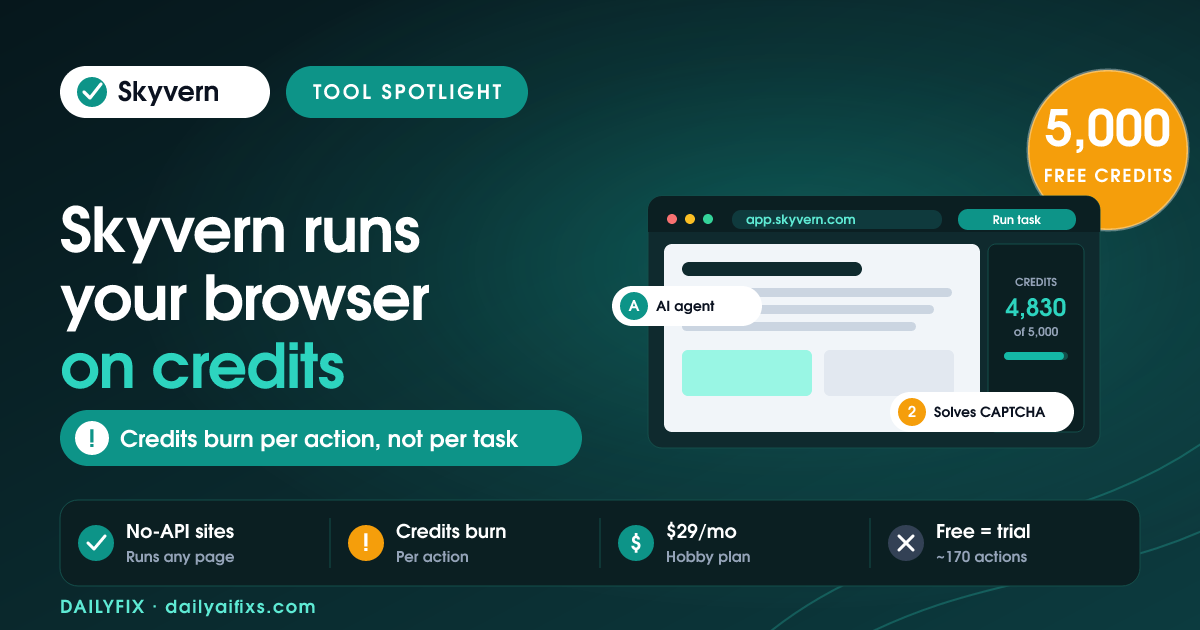
TL;DR: Skyvern pricing 2026 runs on monthly credits, not the old $0.05-per-step model. The free plan gives 5,000 credits (about 170 actions), Hobby is $29/month for 30,000 credits, and Pro is $149/month for 150,000 credits. The catch: credits burn per action, so a few multi-step browser workflows can drain a plan fast.
Last updated: August 2026 · By Sandeep Singh, DailyFix
Skyvern is one of the more talked-about browser-automation agents right now, and its pricing changed in a way that trips people up. If you read a review from last year, the numbers you saw are probably wrong. Here is what Skyvern actually costs in 2026, what a "credit" buys, and who should pay for which plan.
What is Skyvern and how does the browser agent work?
Skyvern is an AI agent that drives a real web browser to complete tasks on any website, no-code or through an API. It uses computer vision and large language models to read a page, then clicks, types, and navigates the way a person would. As of August 2026 the open-source project has over 20,000 GitHub stars.
Where Skyvern earns its keep is sites with no API. It fills government forms, pulls invoices from vendor portals, submits job or contact forms, and runs procurement steps. It also handles the things that break normal scripts: CAPTCHAs, two-factor authentication (2FA), and login flows. Instead of a brittle Selenium script that snaps the moment a page layout shifts, Skyvern re-reads the page each run and adapts. That flexibility is the whole pitch, and it is also why billing is usage-based rather than a flat seat fee.
How much does Skyvern cost? (Skyvern pricing 2026 breakdown)
Skyvern pricing 2026 has four tiers: a free plan with 5,000 credits, Hobby at $29 a month, Pro at $149 a month, and custom Enterprise. According to Skyvern's pricing page (checked August 2026), each paid tier bundles a fixed monthly credit allotment plus more concurrent runs and stronger security features as you climb.
| Plan | Price | Credits / month | Est. actions | Concurrent runs |
|---|---|---|---|---|
| Free | $0 | 5,000 (one-time) | ~170 | 1 |
| Hobby | $29/mo | 30,000 | ~1,200 | 10 |
| Pro | $149/mo | 150,000 | ~6,200 | 25 |
| Enterprise | Custom | Custom | Custom | 100 |
Prices and limits change often — verify on the official pricing page before deciding.
Hobby adds a basic CAPTCHA solver, stored credentials, and webhooks. Pro layers on an advanced CAPTCHA solver, residential proxies, city-level geo-targeting, team workspaces, 2FA/TOTP support, and a 1Password integration. Enterprise is where HIPAA compliance, a SOC-2 report, and human-in-the-loop review live — the stuff regulated teams need.
What do Skyvern credits actually buy?
A credit is Skyvern's internal billing unit, and it maps to actions, not to whole tasks. Skyvern's pricing page pegs 5,000 credits at roughly 170 actions, 30,000 at about 1,200, and 150,000 at about 6,200 — so one action costs somewhere around 24 to 29 credits. An "action" is a single step: a click, a field entry, a page load, a CAPTCHA solve.
This is the part that catches people. A task that sounds like "one run" — say, logging into a portal, navigating three menus, filling a six-field form, and downloading a PDF — can be a dozen or more actions. Do that a few times a day and the free plan's ~170 actions is gone inside a week. The credit model rewards short, tightly scoped automations and punishes long, click-heavy ones. Before you commit, count the steps in your actual workflow and multiply by how often you run it.
Is the Skyvern free plan enough for a solopreneur?
The Skyvern free plan is a trial, not a production tier. You get 5,000 credits (about 170 actions), a single concurrent run, webhooks, and community-only support — plenty to test whether Skyvern can handle one specific site, but not enough to automate anything daily.
If you are a solopreneur, the honest path is: use the free credits to prove the tool works on your hardest page, then decide. If it saves you real hours each week, Hobby at $29 is a fair jump — 30,000 monthly credits and 10 concurrent runs cover most one-person operations. There is also the fully open-source route: self-host the AGPL-3.0 engine from GitHub and pay only for your own server and the LLM API calls it makes. That trades money for setup time and gives you no managed anti-bot features or vendor support, so it suits technical users who already run their own infrastructure.
What are the best Skyvern alternatives in 2026?
The best Skyvern alternatives depend on whether your target app has an API. Skyvern's edge is driving sites that don't. If the app you need does expose an API, a traditional automation platform is usually cheaper and simpler. Here is how the common options compare.
| Tool | Starts at | Best for |
|---|---|---|
| Skyvern | Free / $29 mo | Browser tasks on sites with no API (portals, forms, CAPTCHAs) |
| n8n | $20/mo | Flexible API-based workflows, self-hostable |
| Make | $9/mo | Visual multi-app automations |
| Zapier | ~$20/mo | Simple app-to-app triggers, biggest connector library |
Prices and limits change often — verify on each official pricing page before deciding.
The rule of thumb: reach for n8n, Make, or Zapier when a clean API exists, and reach for Skyvern only when it doesn't. Many operators end up running both — an API workflow that hands the messy, browser-only steps to Skyvern.
Frequently asked questions
Is Skyvern free to use?
Yes, two ways. The open-source engine on GitHub is free under AGPL-3.0 if you self-host and pay only your own server and LLM API costs. Skyvern's managed cloud also has a free tier with 5,000 credits (about 170 actions) and one concurrent run, which is enough to test but not to run daily workflows.
How much does Skyvern cost per month?
Skyvern's paid cloud plans are Hobby at $29 a month for 30,000 credits (about 1,200 actions) and Pro at $149 a month for 150,000 credits (about 6,200 actions). Enterprise is custom-quoted. These are the rates on Skyvern's pricing page as of August 2026.
What is a Skyvern credit?
A credit is Skyvern's internal billing unit. Skyvern maps credit bundles to an estimated action count: 5,000 credits is roughly 170 actions, 30,000 is about 1,200, and 150,000 is about 6,200. Each click, form fill, or page step in a run consumes actions, so one multi-step workflow can spend dozens of them.
Does Skyvern still charge $0.05 per step?
No. Older third-party listings still quote a flat $0.05-per-step rate, but Skyvern's current pricing page uses monthly credit tiers instead. Treat any $0.05-per-step figure you find on review sites as outdated and check Skyvern's own pricing page for the live plan structure.
Do unused Skyvern credits roll over?
Skyvern's plans are described as monthly credit allotments (30,000 per month on Hobby, 150,000 per month on Pro), which reset each billing cycle. Skyvern's pricing page does not advertise rollover, so plan for credits to expire monthly and size your plan to your busiest month, not your average.
Is Skyvern better than n8n or Zapier for automation?
They solve different problems. n8n and Zapier connect apps through APIs. Skyvern drives a real browser to automate sites that have no API, no-code or via API, and it handles CAPTCHAs, 2FA, and logins. If your task lives inside a web portal with no integration, Skyvern fits; if the app has a clean API, n8n or Zapier is usually cheaper.
Is Skyvern good for a solopreneur?
For a solopreneur, start on the free tier to test one workflow, then move to Hobby at $29 if it saves real hours. The free plan's roughly 170 actions runs out fast on multi-step tasks, so it is a trial, not a production plan. Skip Pro until you are running automations daily across a team.
Bottom line
Skyvern is worth it if your work lives inside browser-only sites — portals, forms, logins with CAPTCHAs — that no API can reach. Test on the free tier, then pay $29 for Hobby once it saves real hours; that plan fits most solo operators. Move to Pro at $149 only when you run automations daily or need team workspaces and residential proxies. Skip Skyvern if your apps already have clean APIs — n8n, Make, or Zapier will do the same job for less. And ignore any "$0.05 per step" quote: 2026 pricing is credits.
Sources
- Skyvern — official pricing page (checked August 2026)
- ColdIQ — Skyvern review and features
Related reads
- n8n Pricing 2026: When Cloud Beats Self-Hosting
- Make.com Pricing 2026: The Credit Multiplier
- Zapier Pricing 2026: The Shared Task Pool Catch
- Browse AI Pricing 2026: The Credit Reset Catch
- Apify Pricing 2026: The Compute Unit Catch